


Features
Parental controls you set up once
Your rules work on every device your child uses, and you can change them from your phone at any time.

All features
Every family gets all of them.
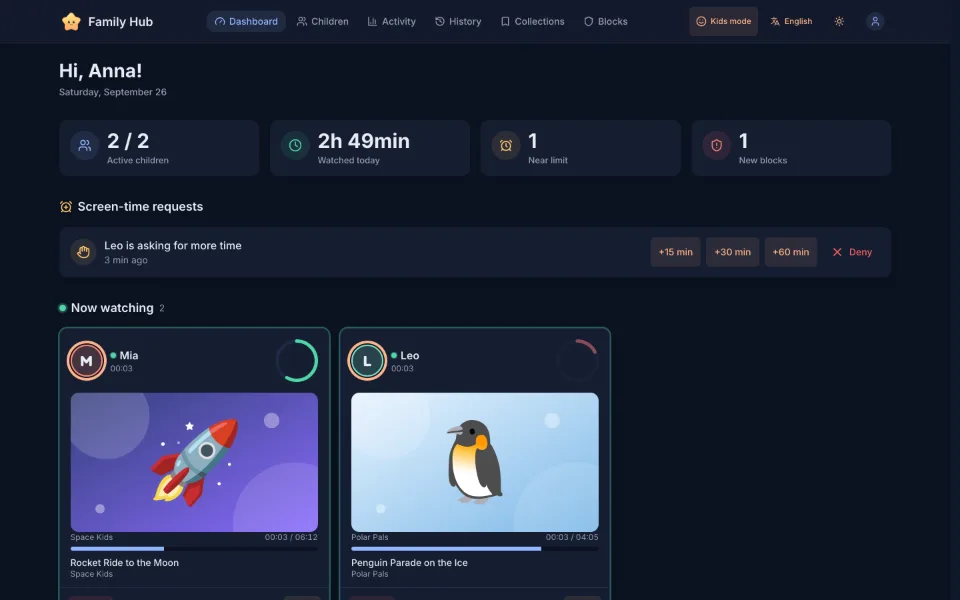 Requests for more time
Screen-time limits
Set a daily limit and the days and hours when watching is allowed. Add extra minutes from your phone if you want to.
- Daily limit
- Allowed days and hours
- Bonus minutes
Who is watching right nowNow watching
See what each child is watching at the moment, and block a video with one tap if it isn't right.
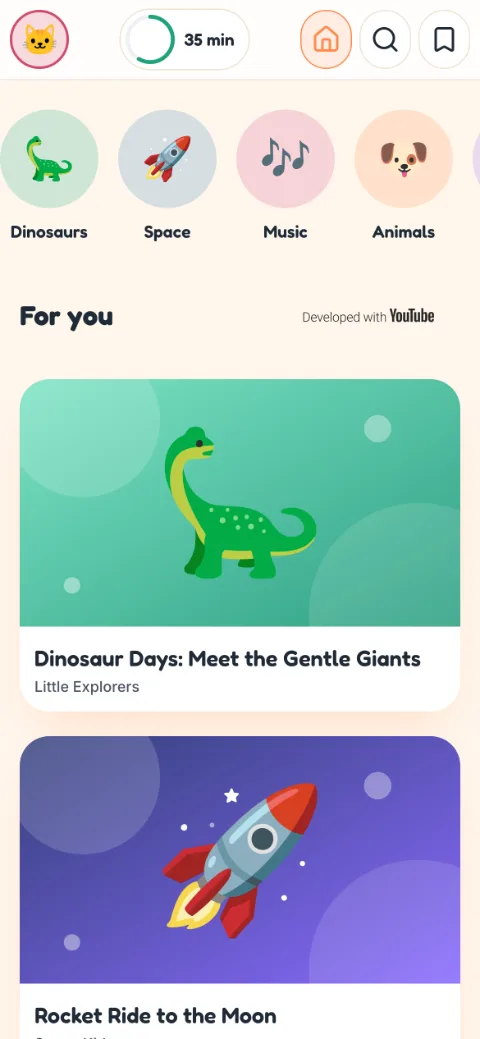
Age, language and topics
Choose an age rating, the language of videos and the topics: science, music, animals, space and others.
- Science
- Music
- Animals
- Space
Blocks that stick
Block a single video, a whole channel or a word. The block applies everywhere: the home feed, search and recommendations.
Automatic filters
They help catch unsuitable videos and low-effort AI-generated content before your child sees them.
Your own collections
Put videos you like into collections, and your child will find them in their app.
Watch history
See what your child watched and when. You can block a video or channel right from the history.
Parent PIN
Your settings are locked with a PIN, so your child can't change them.
Works on any device
Runs in the browser on phones, tablets and computers. Add it to the home screen and it opens like a regular app.
Screenshots show sample content.

When time is up, Twinkle says good night
When the daily limit runs out or it's outside the allowed hours, the next video doesn't start. Twinkle waves goodbye instead, which makes stopping easier than a screen that just goes black.


Set up your child's corner
Sign-up is free, and the first profile takes a couple of minutes.